
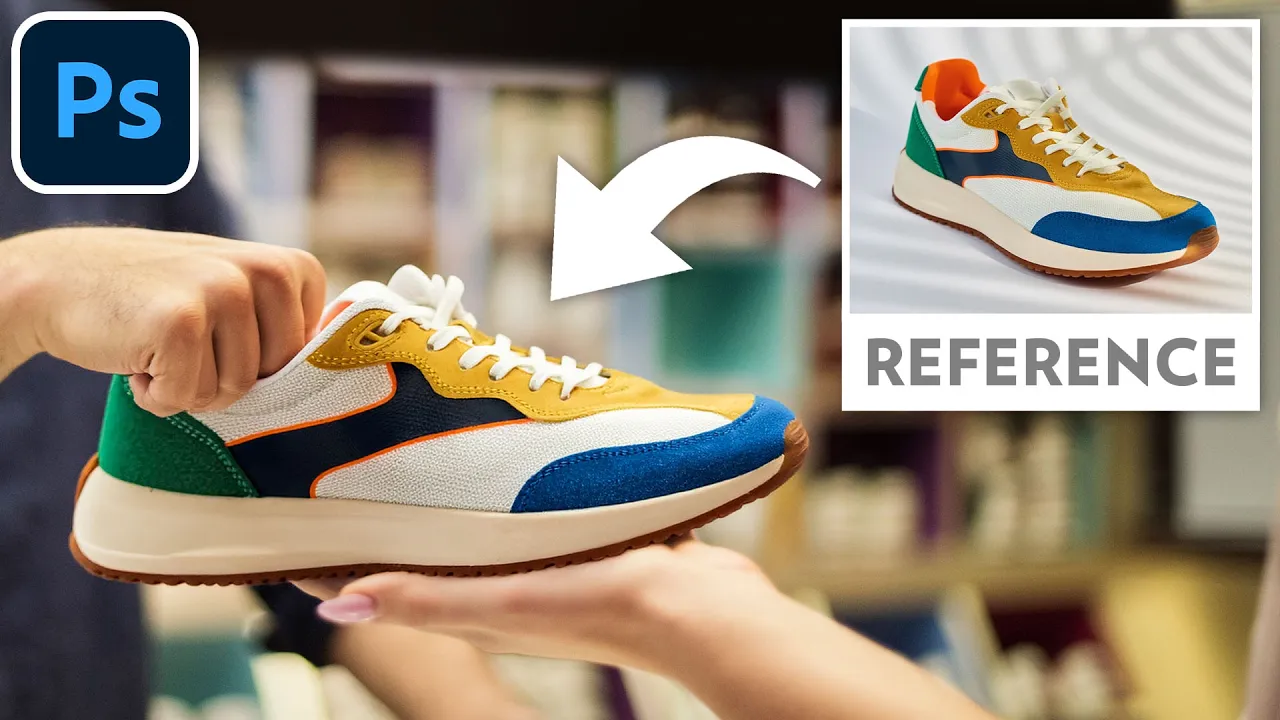

Use a Reference Image to Add or Replace Objects | Photoshop
Master Photoshop’s new Reference Image feature to gain precise control over your Generative Fill results by using existing photos as a visual guide.
In 2 minutes, learn how to use this feature to seamlessly add a generated object to your image, or replace an existing object.
Image sources (affiliate):
Striped shirt and tie: https://1.envato.market/aNNk9j
Dude holding a pair of shoes: https://1.envato.market/R00XN7
Shoe: https://1.envato.market/gRRVe5
Bracelet: https://1.envato.market/KBBAva
Face mask: https://1.envato.market/DWWrmy
Don't you want a monthly email that contains all the latest posts and maybe some exclusive content? Oh you do? Yeah? THEN SUBSCRIBE ALREADY!