

Opacity Masks | Adobe Illustrator
This video is sponsored by @FoundItFirstCA
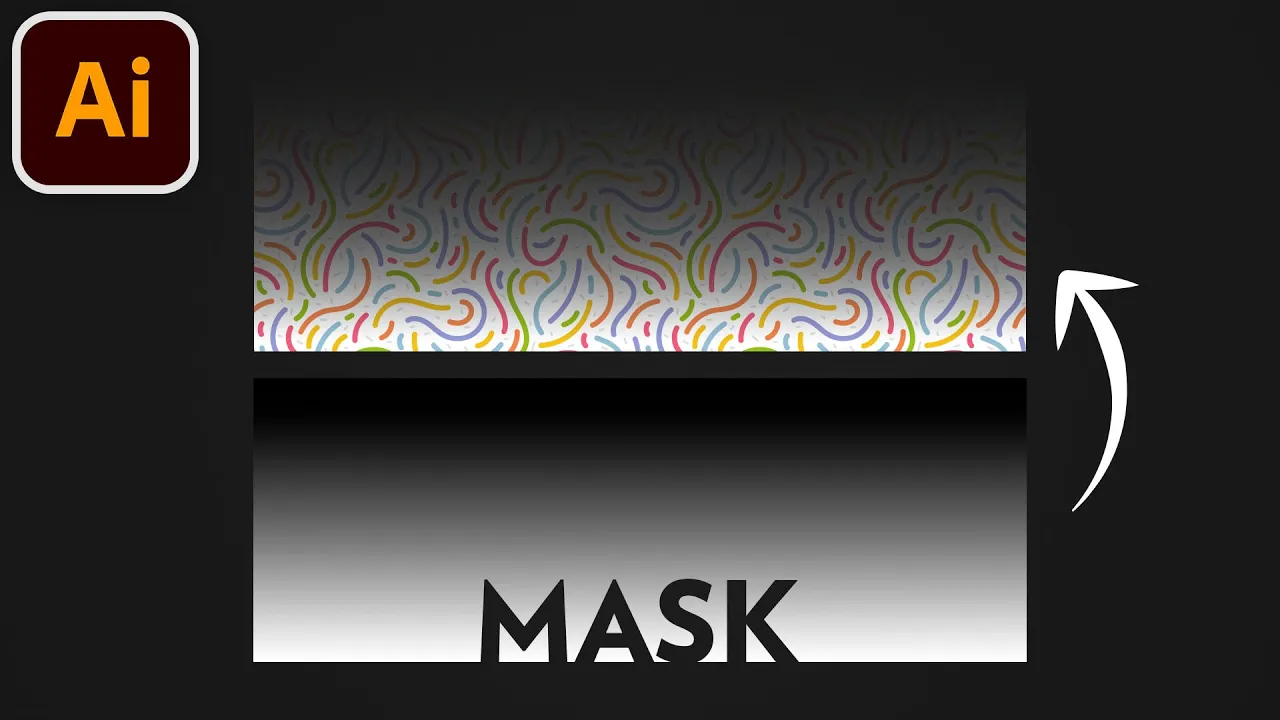
In Illustrator, you can use a masking object to control the transparency of another object. This is called an Opacity Mask, and we'll learn about it in this video.
We will use a gradient fill to control what parts of the artwork are fully opaque (white mask), fully transparent (black), and everything in between (shades of gray).
Clouds image (affiliate): https://1.envato.market/Z6omWK
Don't you want a monthly email that contains all the latest posts and maybe some exclusive content? Oh you do? Yeah? THEN SUBSCRIBE ALREADY!