

Layers Panel Thumbnails Showing the Whole Canvas (SOLVED!) | Photoshop
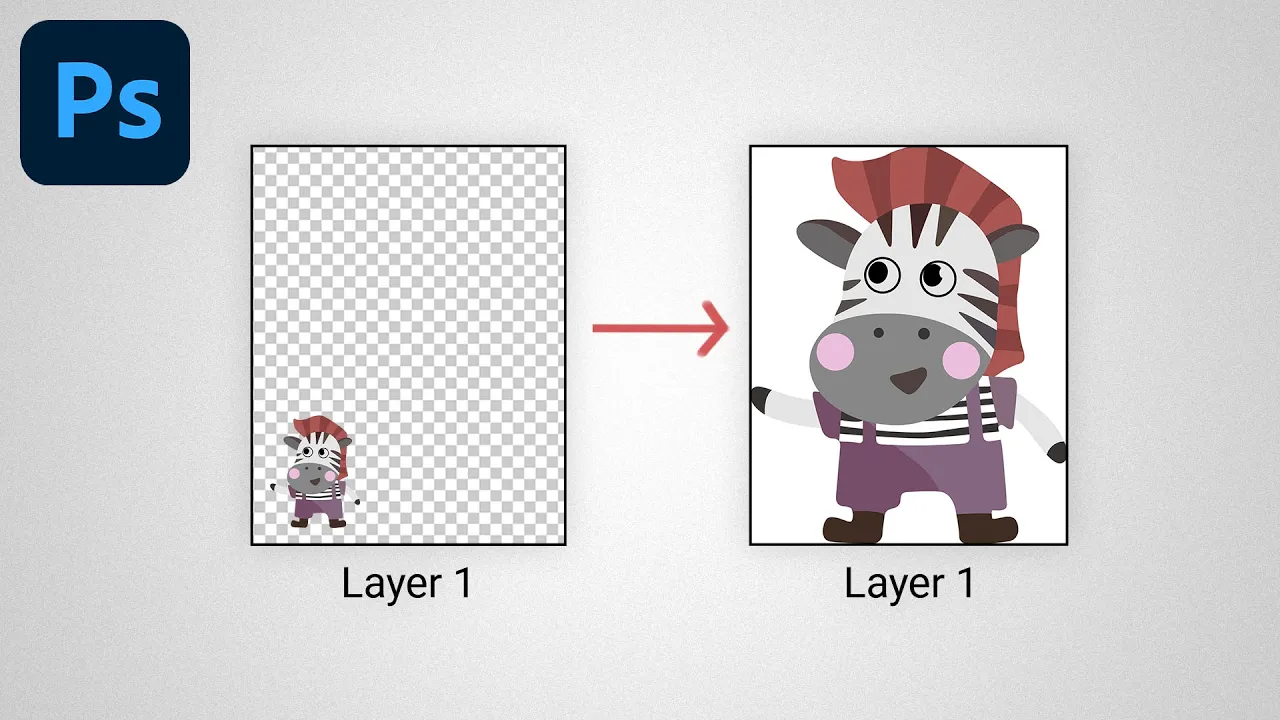
Problem: you're using the Layers Panel in Photoshop, but the image thumbnails are showing the whole canvas instead of the layer bounds.
Solution: watch this video :)
Animal illustrations (affiliate): https://1.envato.market/3kJ2Wk
Don't you want a monthly email that contains all the latest posts and maybe some exclusive content? Oh you do? Yeah? THEN SUBSCRIBE ALREADY!