
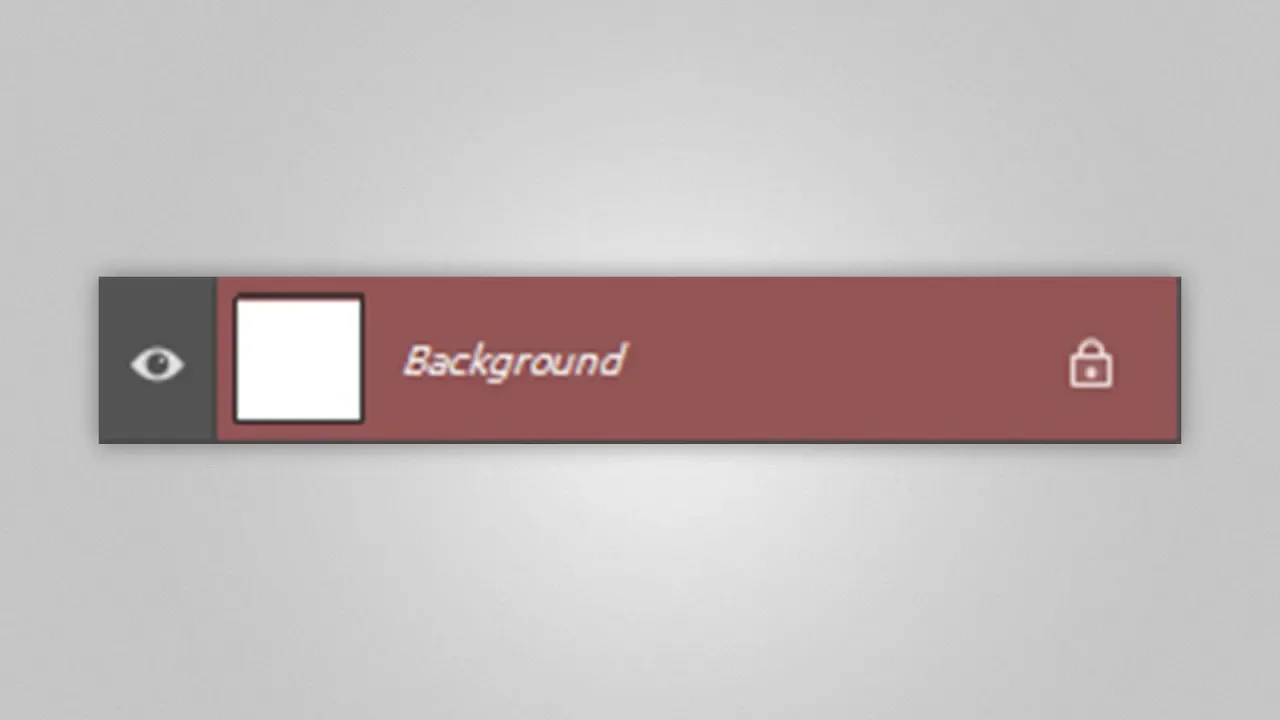

Layer is Red and Acting Weird (SOLVED!) | Photoshop
Problem: the layer you're working on is Red, and whenever you try to paint using the Brush, the brush color is red as well, no matter the color you choose.
Solution: watch this video :)
Don't you want a monthly email that contains all the latest posts and maybe some exclusive content? Oh you do? Yeah? THEN SUBSCRIBE ALREADY!