
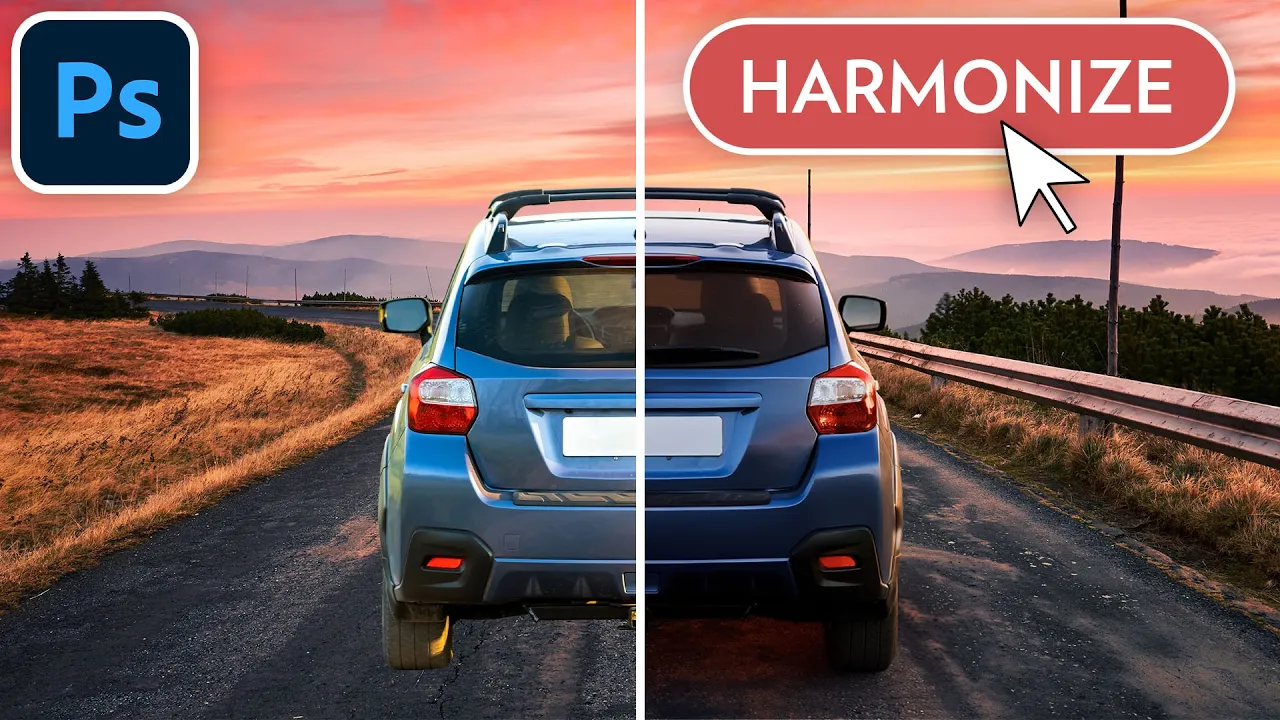

(NEW!) Blend Objects Into Any Background With Harmonize | Photoshop
Photoshop 2026 is here and one of its most impressive features is the new Harmonize button, that allows you to blend objects and people into any background.
In this 2-minute video, you'll learn how to use the new Harmonize feature, and you'll see how it automatically adjusts the colors and lighting to create realistic composites.
Generative credits FAQ: https://helpx.adobe.com/ca/creative-cloud/apps/generative-ai/generative-credits-faq.html#monthly-generative-credits
Image references (affiliate):
Apple: https://1.envato.market/N9rELN
Autumn background: https://1.envato.market/YRJKeq
Car: https://1.envato.market/7aZKPO
Road: https://1.envato.market/qz7oMO
Dude holding a coffee mug: https://1.envato.market/POPnxq
Living / dining room: https://1.envato.market/e16jzZ
Lady with a suitcase: https://1.envato.market/xL7oM3
Architecture: https://1.envato.market/9LXqkY
Baby: https://1.envato.market/POPnxM
Kitchen table background: https://1.envato.market/kOmA6x
Lady walking: https://1.envato.market/aO0Dgq
Pool: https://1.envato.market/GKv1W6
Lady stretching: https://1.envato.market/VxGdPJ
Airplane wing: https://1.envato.market/JKxZne
Don't you want a monthly email that contains all the latest posts and maybe some exclusive content? Oh you do? Yeah? THEN SUBSCRIBE ALREADY!