
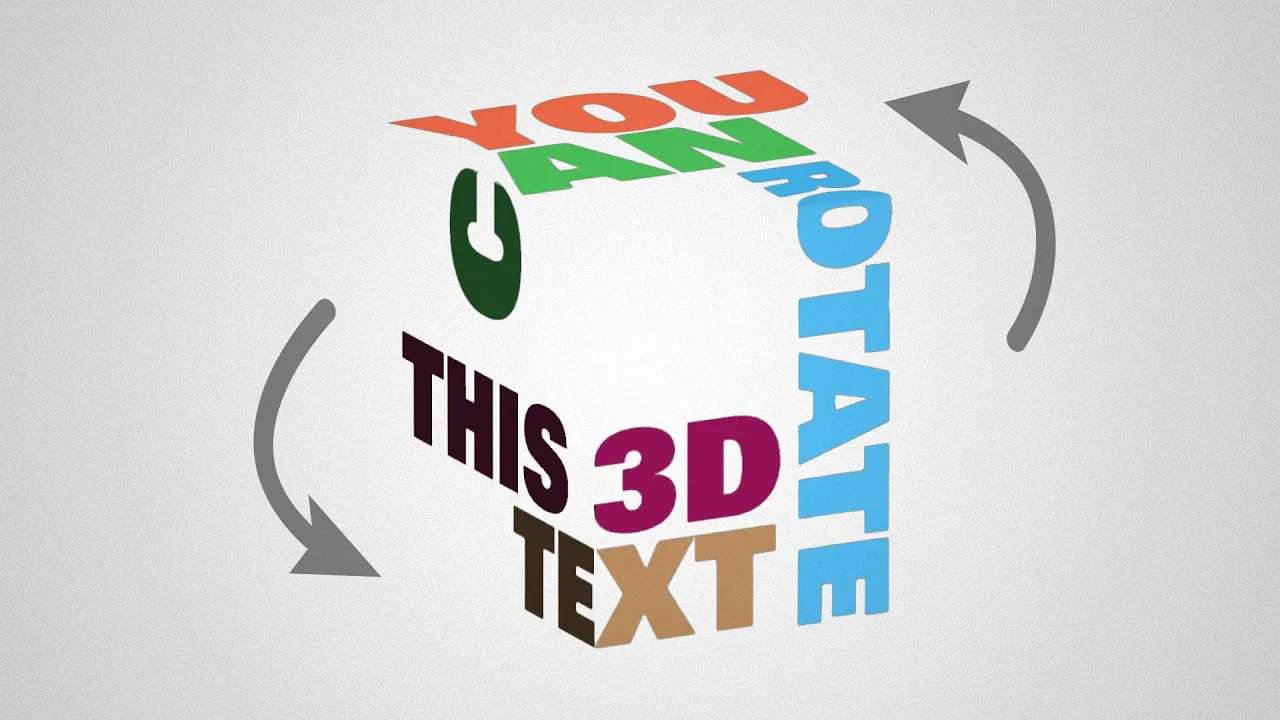

3D Typographic Cube | Adobe Illustrator
In less than 2 minutes, learn how to create a nice 3D typographic layout that you can move, scale and rotate as a 3D object.
We're going to use the 3D and Materials panel to add our text to a cube, create the layout, and then make the cube invisible.
Don't you want a monthly email that contains all the latest posts and maybe some exclusive content? Oh you do? Yeah? THEN SUBSCRIBE ALREADY!